 PianoBounce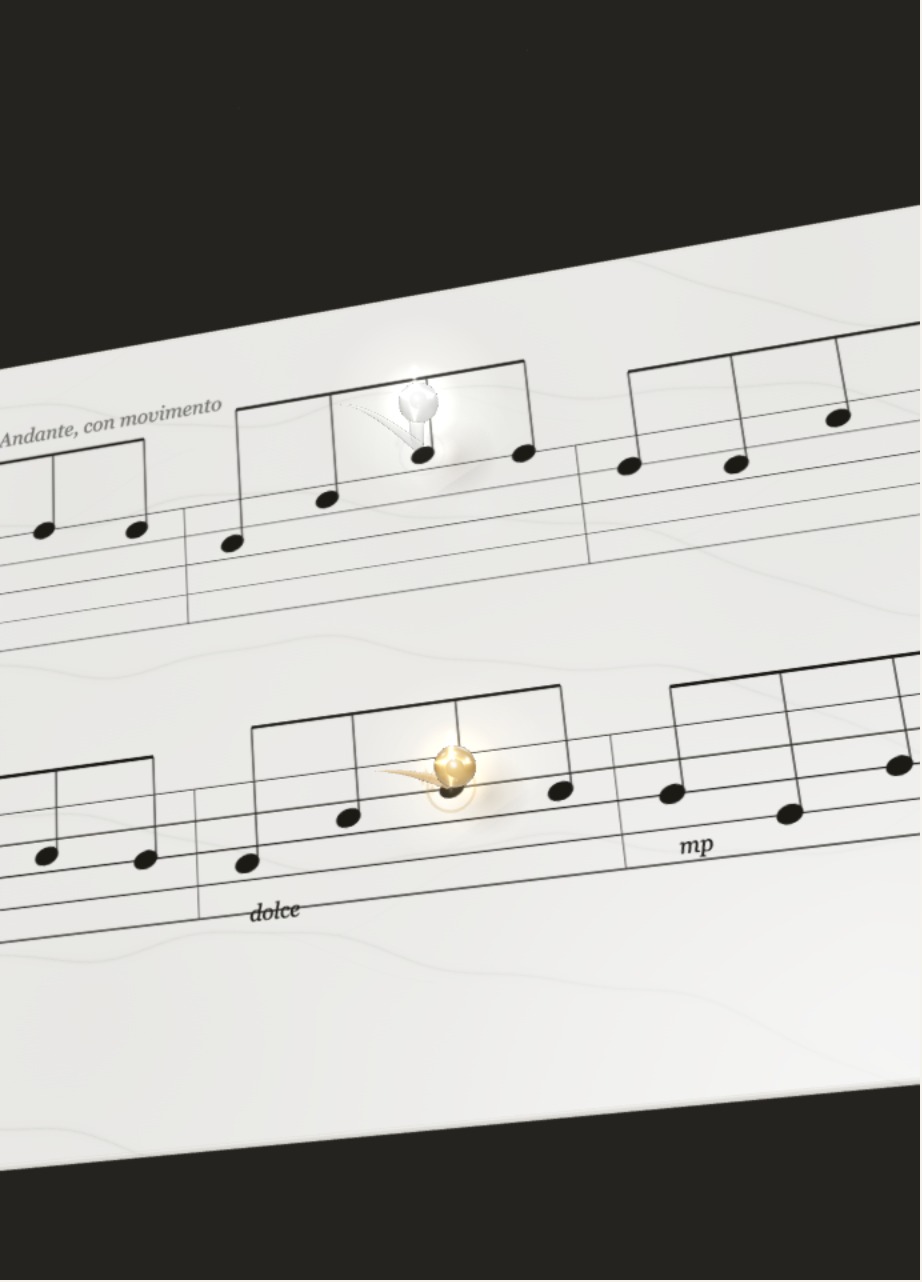
Bring your music
Start with a MusicXML or MXL score, or a MIDI performance.
IMPORT YOUR MUSICSome moments deserve more than sound.
Turn your scores and performances into films.
Desktop app for macOS · Coming soon
Andante,
con movimento.
Light, texture, a little space.
Find a scene that feels like your music.
A study in texture, light and movement.
Choose a mood and watch the scene change.
Start with a MusicXML or MXL score, or a MIDI performance.
IMPORT YOUR MUSICAdjust the style, note names, text and layout as you preview.
MAKE IT YOURSExport your chosen passage as a 9:16 portrait or 16:9 landscape MP4.
READY FOR THE WORLDChoose a frame that suits the story.
Not every take is perfect.
Every one is yours.
A phrase you practised today.
A piece you want to keep.
A moment worth sharing.
A few things to know.
Import MusicXML, MXL or MIDI files. For scores arranged over several systems, start with MusicXML or MXL. Automatic recognition of PDF scores or photographs is not currently available.
PianoBounce is a desktop app. Score editing and video rendering take place on your computer, in the app. This website does not accept score uploads.
The first public version is being prepared for macOS 14.4 and later. Download availability will be announced on the launch page. Windows and mobile release dates have not been set.
We are preparing the public release, so installers are not available yet. Free features and paid plans will be announced at launch. You can explore the styles and video workflow here in the meantime.
The app exports MP4 files. Before publishing, check the terms for the music, score, recordings and virtual instruments you use. Using the app does not grant rights to the underlying music.
Coming soon to macOS